How SEO Software Transforms Your Approach to Ranking Factors
@myseosoftwareway
October 26, 2026 · 6 min read
When I started working in search, the tools we had were basic. You could check your PageRank, maybe run a quick backlink analysis, and that was about it. Today, the landscape is entirely different. The right SEO software can give you a clear picture of what Google actually values for a given query, from Core Web Vitals to structured data. But knowing which features matter and how to use them without getting lost in data is the real skill.
I have tested a lot of platforms over the years, from Moz and Ahrefs to SEMrush and smaller niche tools. Each one has strengths, but I have learned that the best approach is not to rely on a single solution. Instead, I use a combination that fits my workflow. For example, I might use Google Search Console for raw performance data, then pull that into a tool that specializes in competitor analysis. The key is to understand what each piece of software does well and where it falls short.
Why You Need More Than Just Data
Many people assume that more data equals better optimization. That is not true. I have seen teams drown in reports from their SEO software, pulling thousands of keywords and backlinks but never turning that information into action. The real value comes from interpretation. A good platform will not just show you a list of ranking factors; it will help you prioritize them. For instance, if your site is slow on mobile, Core Web Vitals might be more important than adding more structured data. But if you are competing for featured snippets, structured data becomes critical.
One thing I always look for is how well the software handles SERP features. Google has changed search results dramatically over the past few years. You now have to compete with featured snippets, knowledge panels, and local packs. If your tool cannot track these, you are flying blind. I remember a client who was ranking number one for a high-volume term but losing traffic because Google had started showing a featured snippet above their organic result. Their SEO software had not flagged it. We switched to a platform that monitored SERP features, and within weeks we adjusted the content to capture that snippet. Traffic recovered and then grew.
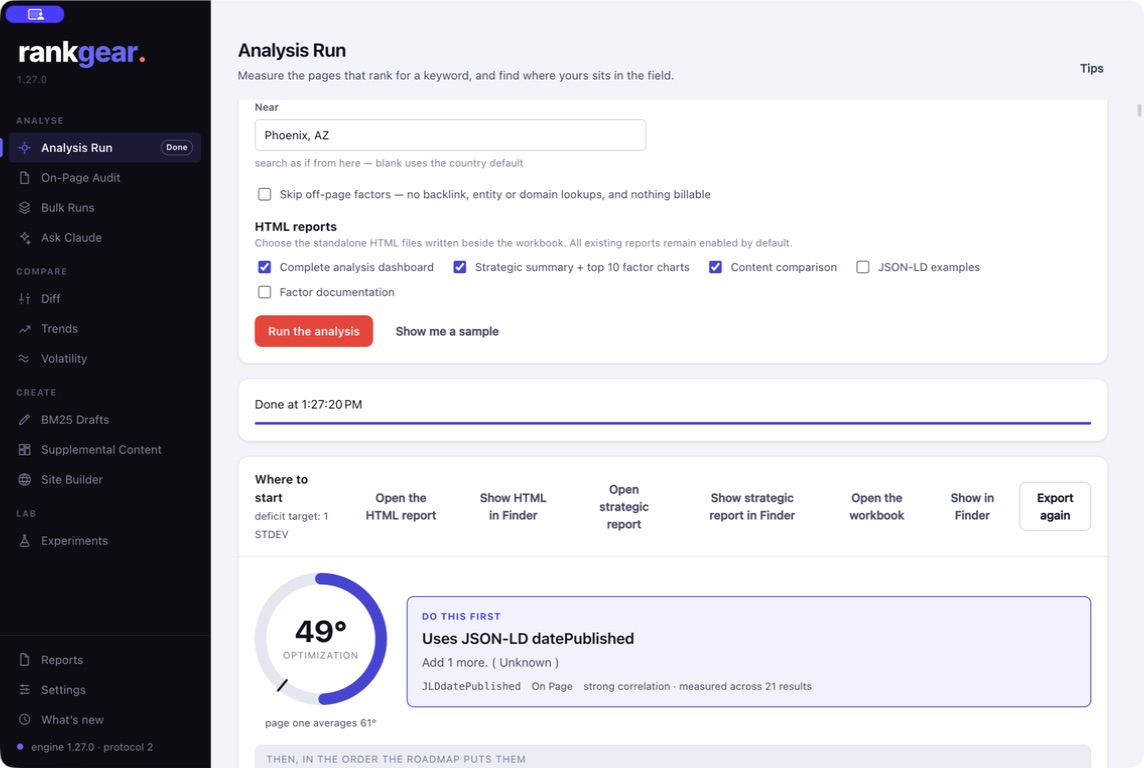
Core Features That Actually Matter
After years of testing, I have found that the most useful features in any SEO software fall into a few categories. First is keyword research that goes beyond volume and difficulty. You need to understand search intent, seasonality, and how keywords connect to the rest of your site. Second is backlink analysis that shows not just the number of links but their relevance and authority. Third is technical SEO auditing that checks for crawl errors, duplicate content, and Core Web Vitals issues. Fourth is competitor analysis that reveals gaps in your own strategy. And fifth is the ability to track changes over time, so you can see if your efforts are working.
I have used tools that excel in one area but are weak in others. For example, Ahrefs is fantastic for backlink analysis and keyword research, but its site audit features are not as deep as some dedicated crawlers. SEMrush offers a broader set of tools, including content marketing and social media, but that can feel overwhelming. Moz has a strong community and reliable metrics, but its data sets can be smaller. The point is that no single tool does everything perfectly. You have to pick based on your specific needs.
How to Avoid Common Pitfalls
One mistake I see often is people running an SEO audit and then trying to fix everything at once. That is a recipe for burnout and little progress. Instead, I recommend prioritizing issues by impact. If your site is not indexed properly, no amount of link building will help. Start with technical SEO, then move to on-page optimization, then to content and links. Your SEO software can help you build a roadmap. Look for tools that let you export tasks or integrate with project management software.
Another trap is relying too heavily on automated recommendations. I have seen software suggest keyword stuffing or unnatural internal linking because it does not understand context. Always use your own judgment. For example, if a tool tells you to add a certain keyword to every page, that is probably bad advice. Instead, focus on creating content that naturally satisfies user intent. That is where RankBrain comes in. Google uses machine learning to understand queries, so you need to write for people, not just for algorithms.
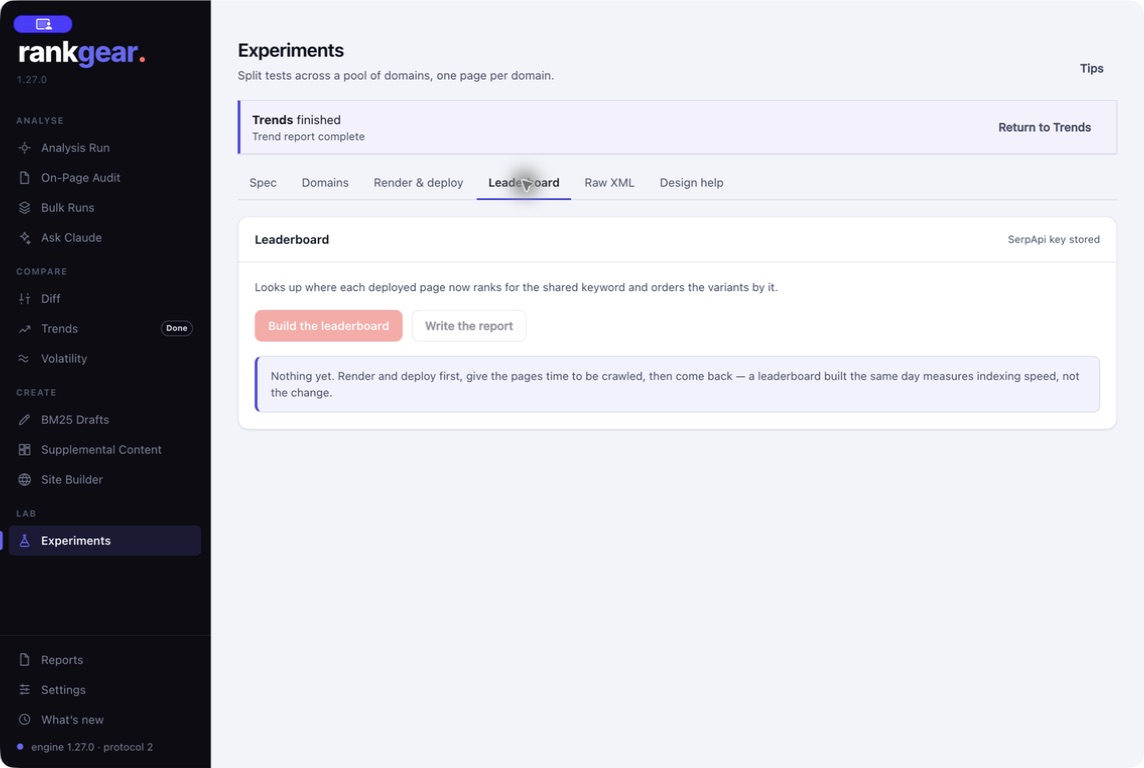
Integrating SEO Software Into a Broader Strategy
SEO software is a tool, not a strategy. It works best when combined with regular content audits, link building, and ongoing monitoring. I schedule a monthly content audit where I look at which pages are losing traffic, which are gaining, and what the competition is doing. That feeds back into my keyword research and on-page optimization. I also use Google Search Console to check for manual actions or indexing issues that might not show up in third-party tools.
One thing I have learned is that consistency matters more than any single tactic. I have seen sites with mediocre backlinks outrank competitors with better profiles because they update content regularly and keep their technical house in order. Your SEO software can help you stay on track. Set up automated reports for ranking factors, but do not look at them every day. Once a week is enough. The rest of the time, focus on creating good content and building relationships that lead to natural links.
Real-World Examples of What Works
A few years ago, I worked with a small e-commerce site that was struggling to rank for product terms. Their main competitor had thousands of backlinks from blogs and news sites. We could not match that quickly. Instead, we used SEO software to find long-tail keywords with lower competition but high purchase intent. We optimized product pages with structured data and ensured they passed Core Web Vitals checks. Within six months, that site was getting more traffic from those long-tail terms than the competitor was getting from head terms. The lesson is that you do not need to win every battle. Pick the ones you can win.
Another example was a B2B SaaS company that had a great product but terrible technical SEO. Their site had duplicate content, slow load times, and broken links. We ran a full SEO audit using a combination of tools and Google Search Console. We fixed the technical issues first, then did a content audit to consolidate thin pages. After that, we started a link building campaign targeting industry publications. Within a year, their organic traffic tripled. The key was using the software to identify the biggest problems and then methodically solving them.
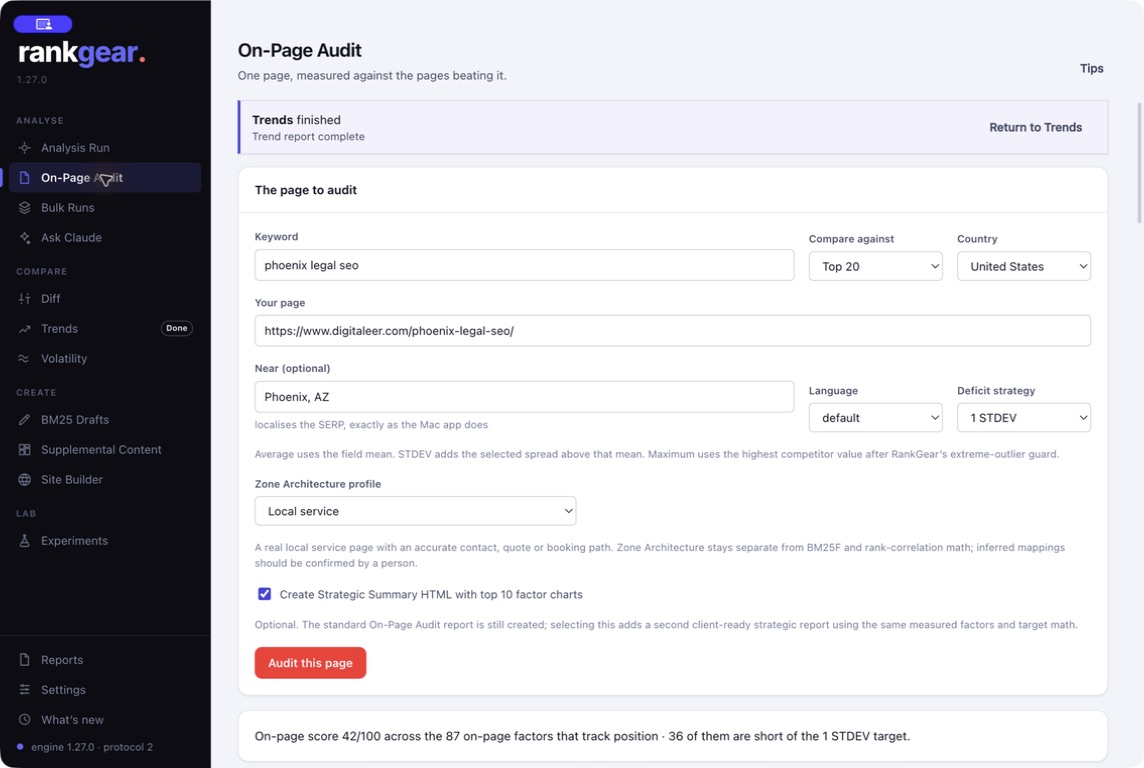
What to Look for in a Platform
If you are shopping for SEO software, I recommend starting with a trial of two or three tools. Test them on your own site. See which one gives you insights you can actually use. Pay attention to the user interface. If it takes you ten minutes to find a simple metric, that tool will slow you down. Also check the support and documentation. Good platforms have active communities and helpful knowledge bases. Read reviews on sites like Search Engine Land to see what other users say.
Finally, remember that no tool can replace experience. I have used Moz, Ahrefs, SEMrush, and several others over the years. Each has taught me something new. But the most important thing I have learned is to trust my own analysis. Use the software to gather information, but make decisions based on your understanding of your audience and your business. That is what separates good SEO from great SEO.